
Zepo Messenger Application Desktop Messaging Control
Zepo Messenger is a Desktop Messaging Software built to help users organize and manage conversations efficiently from a single, secure interface. Designed for simplicity and control, the app runs only when launched — ensuring transparency, performance, and user privacy.
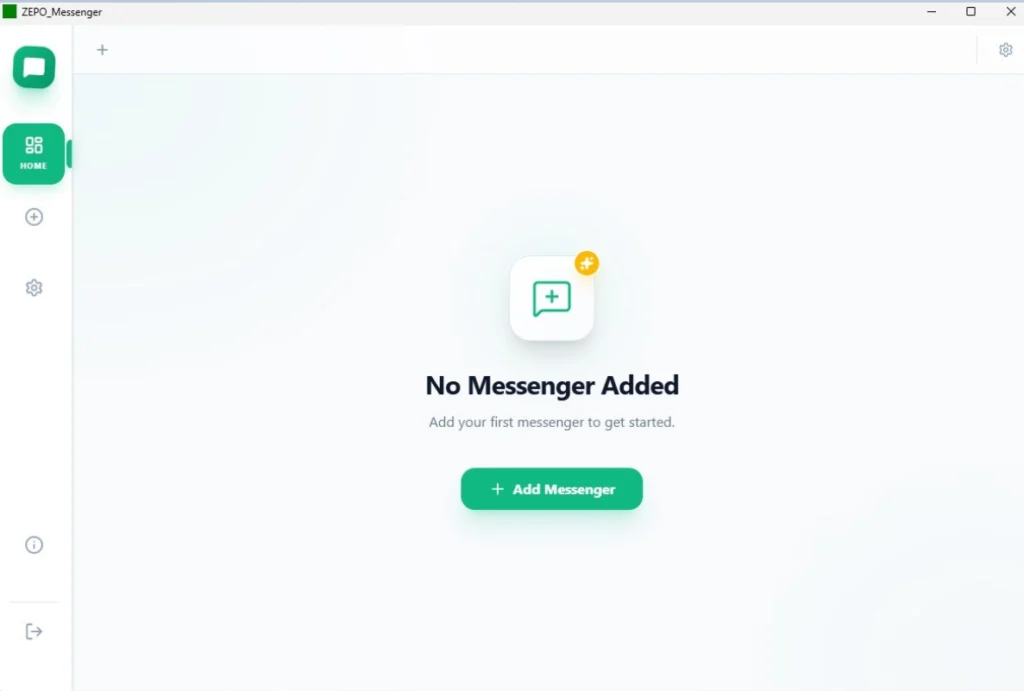
Desktop Communication with Full Control
ZEPO Messenger is engineered to provide a stable and transparent messaging management experience on Windows desktops. Unlike browser-based messaging tools or background-running applications, Desktop Messaging Software operates only when launched by the user, ensuring performance stability and privacy.
The application Desktop Messaging Software centralizes conversation management in one clean workspace, allowing users to stay organized without distractions or unnecessary system load.
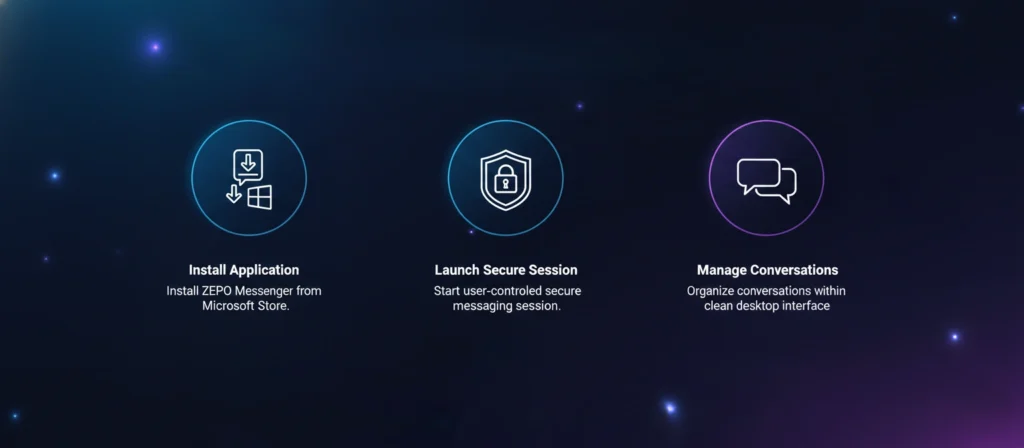
How the Zepo Messenger Application Works in 3 Simple Steps
Key Features of the Zepo Messenger Application
Desktop Control
Desktop Messaging Software is built specifically for Windows desktop users, delivering stable performance, structured conversation handling, and an organized environment for managing daily communication tasks.
Clean Interface
The application provides a distraction free layout that keeps conversations clearly structured, allowing users to focus on communication without unnecessary elements or visual complexity.
Secure Sessions
Sessions begin only when the user launches the application, ensuring controlled access, operational transparency, and secure conversation management throughout active desktop usage.
User Privacy
Zepo Messenger does not install background services, ensuring no hidden activity continues after closing the application and maintaining complete system transparency for users.
Efficient Workflow
The centralized desktop interface enables users to organize, review, and manage conversations in a structured manner that supports consistent communication efficiency.
Stable Performance
Designed for Windows environments, the application operates smoothly during active sessions while minimizing system resource consumption and maintaining reliable desktop stability.
Supported System Specifications for ZEPO Messenger App
Windows 10 version 14316.0 or higher
x64 architecture
Standard keyboard and mouse input
PC devices
Ready to Experience Secure Desktop Messaging Control?
Download ZEPO Messenger from Microsoft Store and manage your conversations with clarity, control, and performance stability.
Ready to Experience Secure Desktop Messaging Control?
Download ZEPO Messenger from Microsoft Store and manage your conversations with clarity, control, and performance stability.